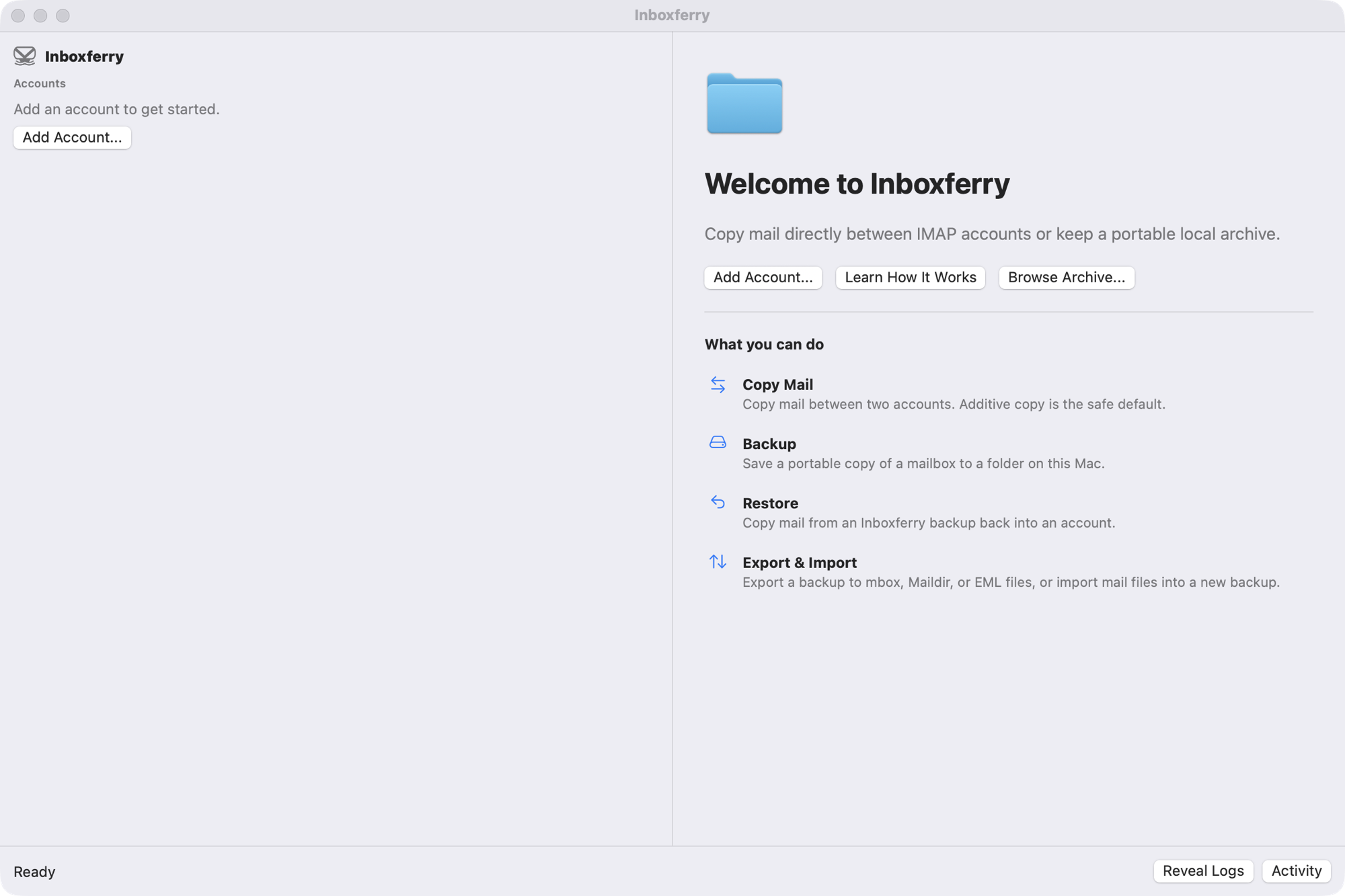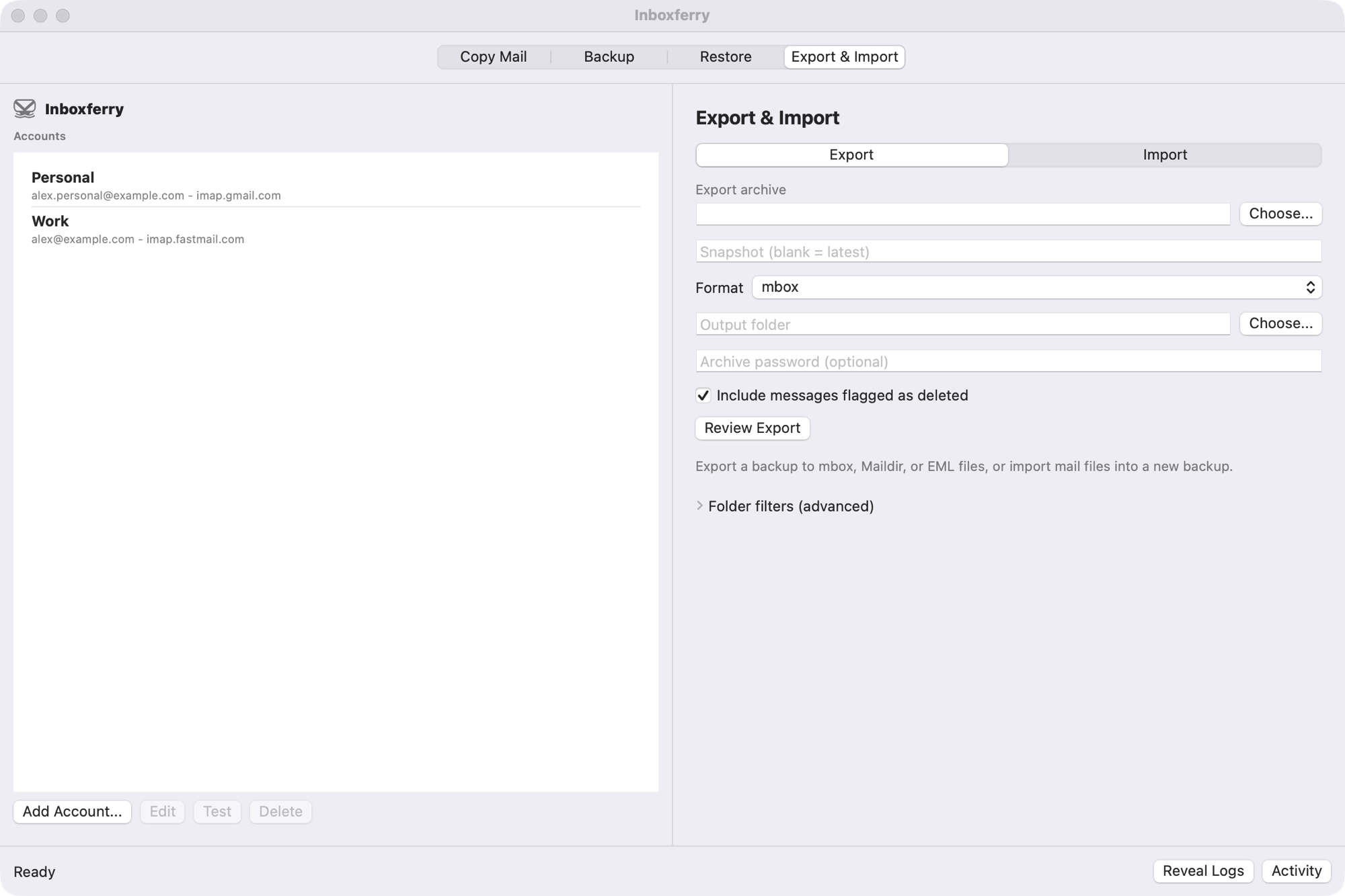
InboxFerry Back up, migrate, and restore IMAP mail directly from your Mac — local-first, with no cloud service, no account, and no subscription.
InboxFerry copies mail between IMAP accounts and into a portable archive on your Mac. Connect one or two accounts, choose folders, review the exact plan, and run. Mail moves directly between your Mac and your mail server — there is no InboxFerry account, no cloud service, and no subscription.
Use it to switch email providers without losing years of history, keep a local copy of work correspondence when you leave a job, archive a domain before it expires, or hold an independent backup because cloud services can go away. Additive backup and copy modes never modify the source mailbox; only the explicit Mirror and Move modes delete mail, and only after a reviewed plan and confirmation.
Every workflow is available before you buy: 100 new transfers each in Copy Mail, Backup, and Restore, without a time limit. The full version is a one-time purchase through the Mac App Store that removes the transfer limit.

Features
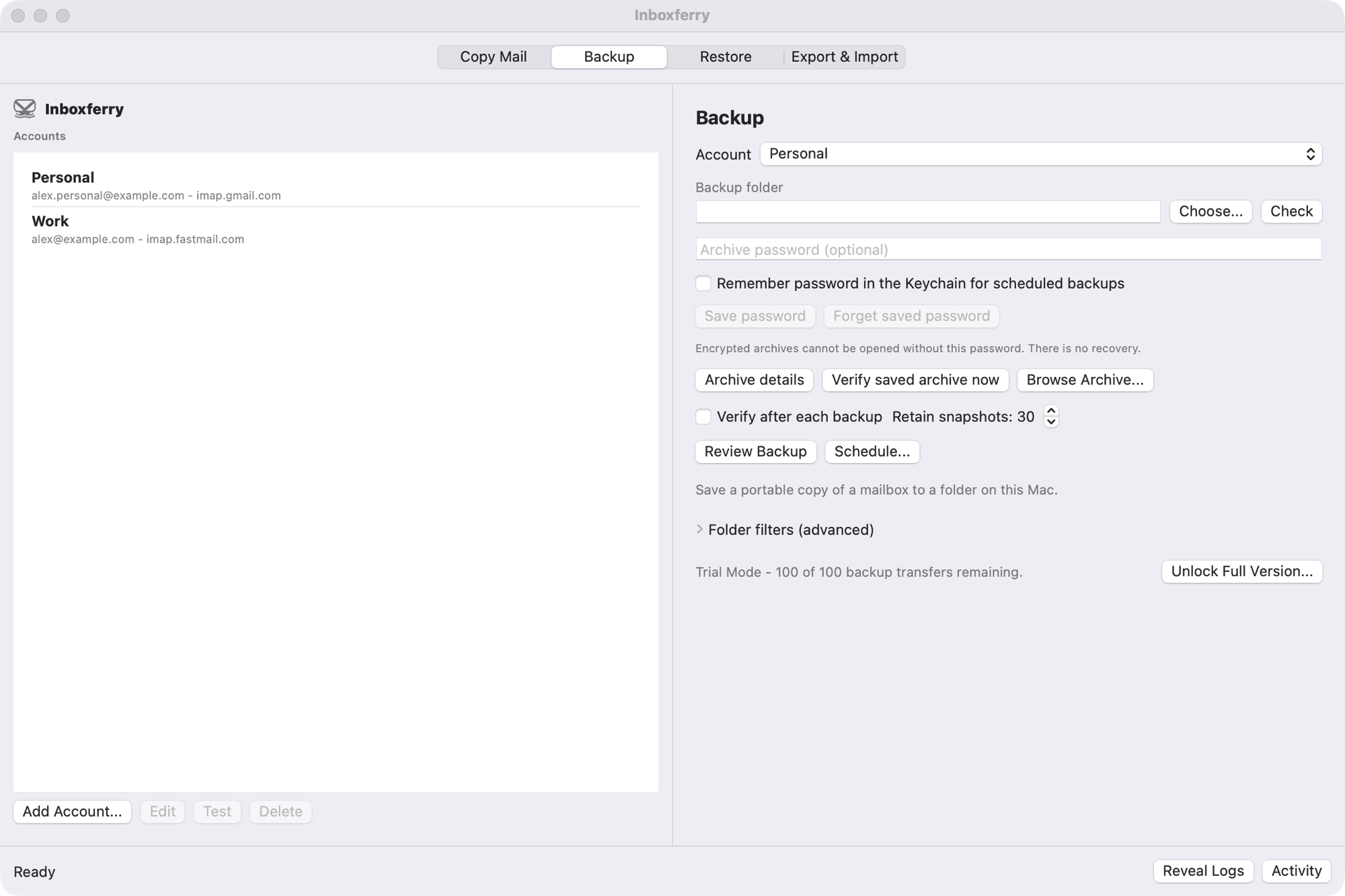
Back up your email
Create a portable .inboxferry archive from any IMAP account. Messages, flags, dates, and folder hierarchy stay intact.
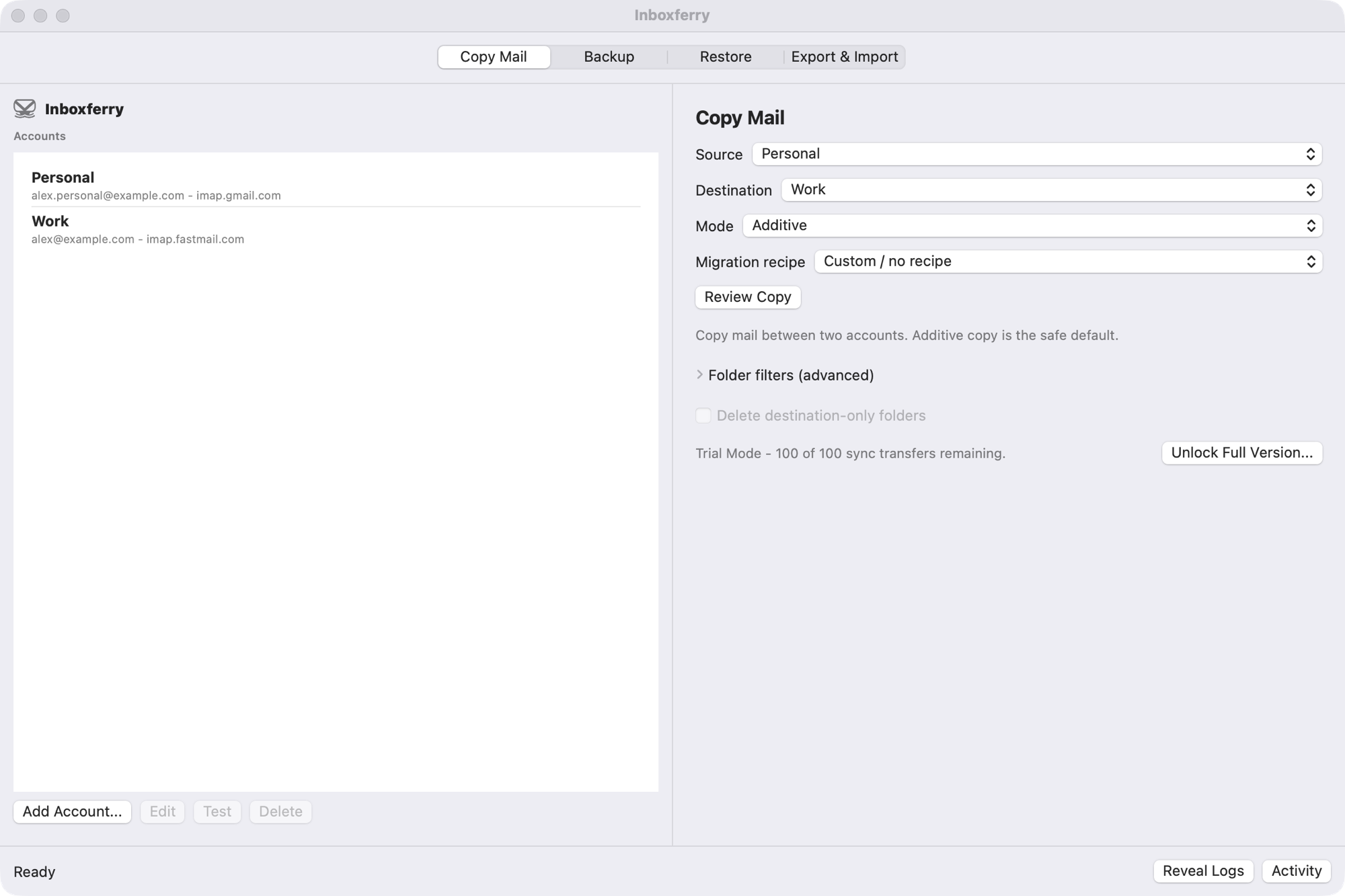
Copy mail between accounts
Move mail when you change providers, leave a job, or archive a domain. Additive copy is the safe default.
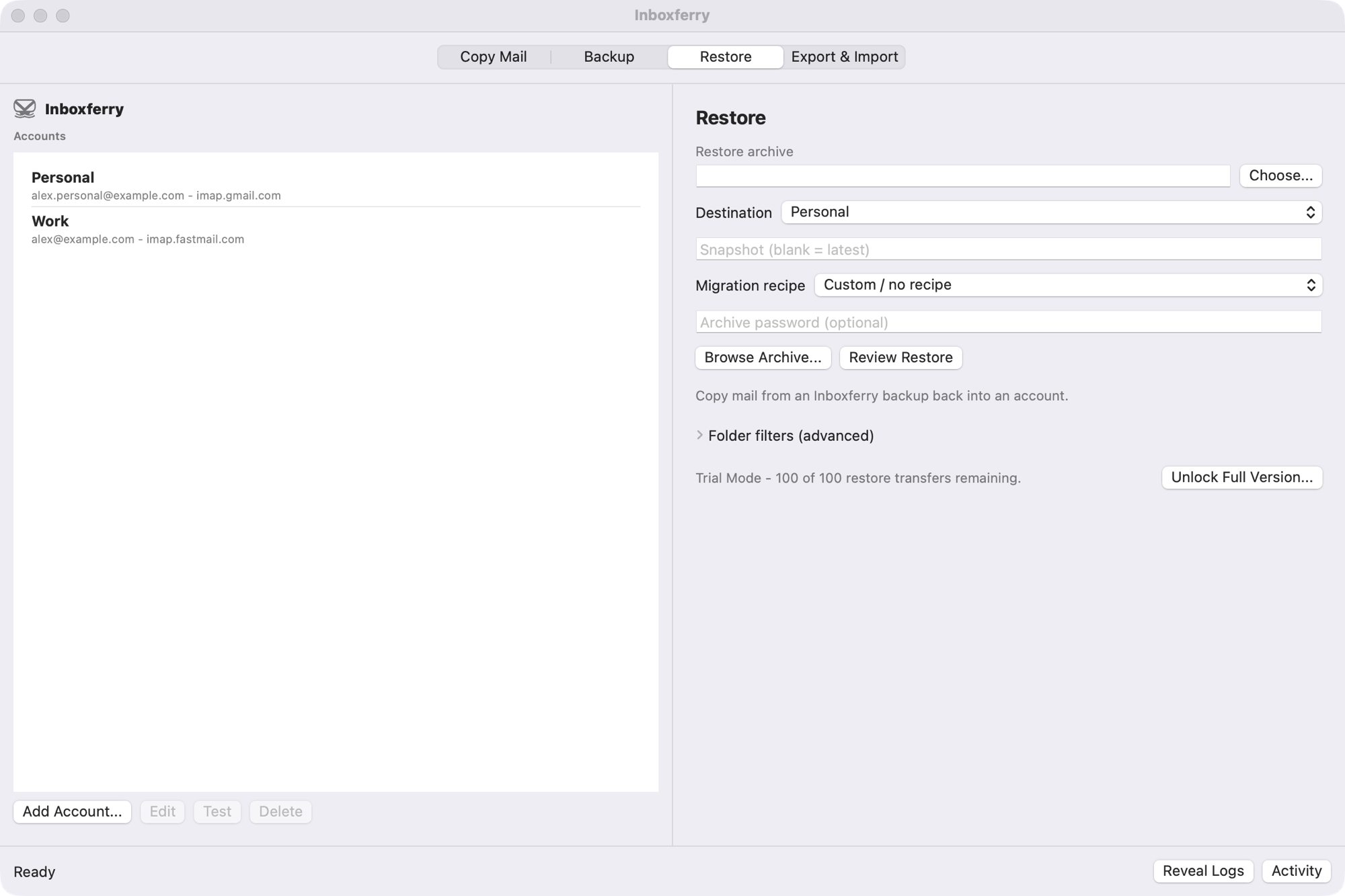
Restore and verify
Copy mail from an archive back into an account, additively, with folder mapping and integrity verification whenever you want.
Browse and search archives
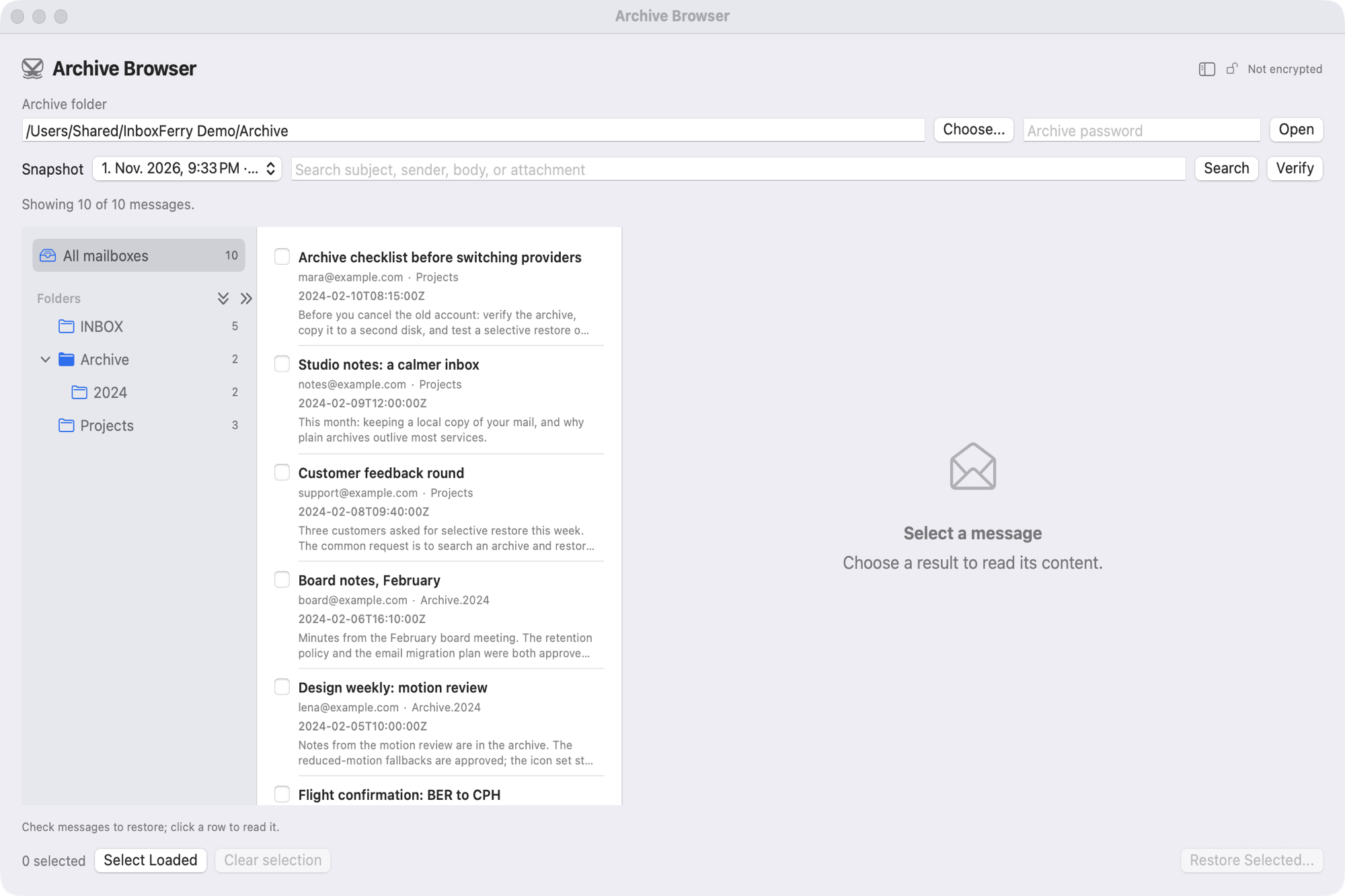
Open a backup read-only, search subject, sender, body, and attachments, and restore only the messages you select.
Review before you run
Every manual run starts with a plan: accounts, message counts, and a separate warning for anything that would be deleted.
Local-first by design
Credentials stay in the macOS Keychain and mail moves directly between your Mac and your mail server. Optional encrypted archives.
Screenshots